

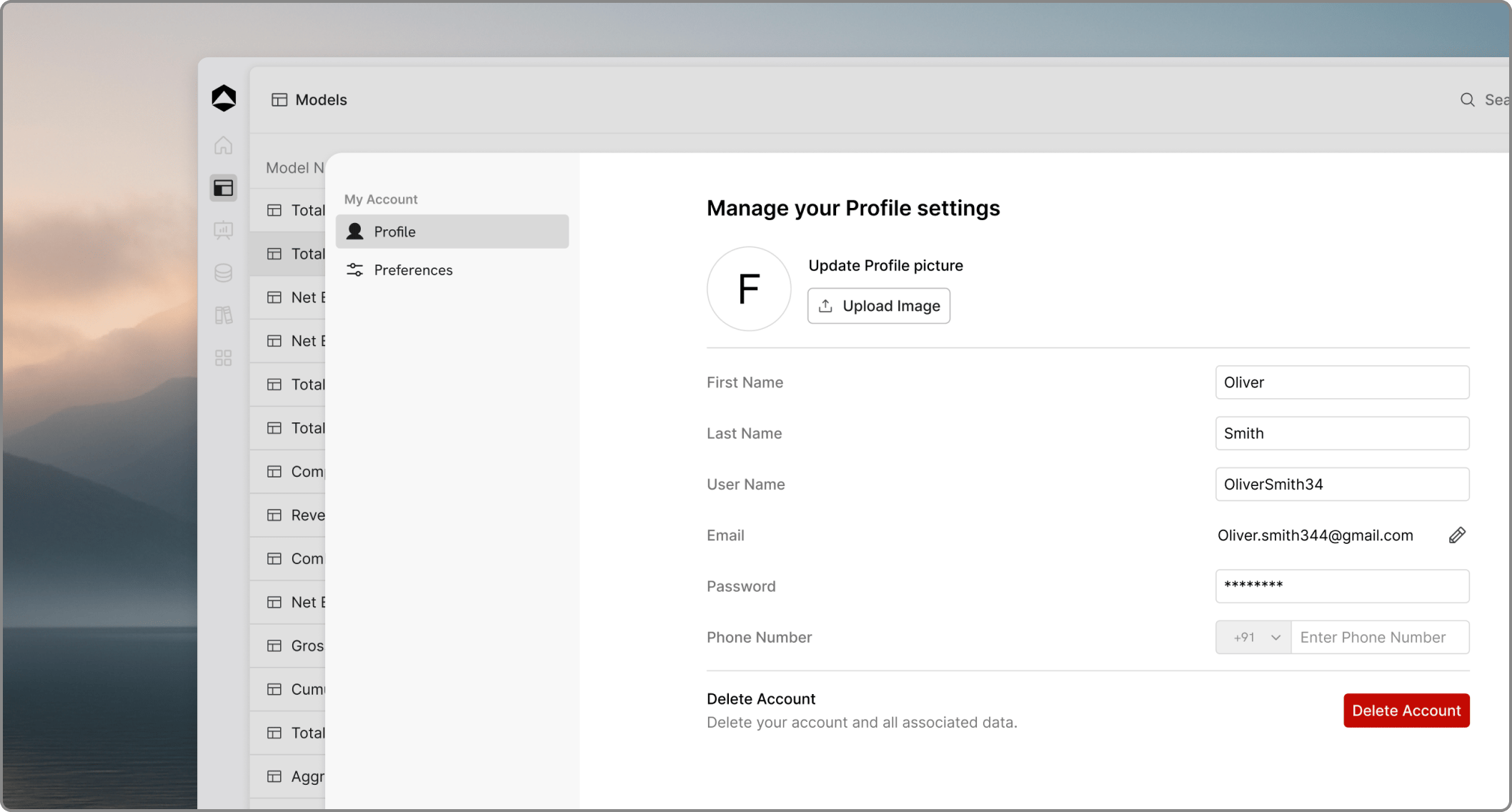
Your profile and preferences control the personal side of your Oculon experience. They do not change the shared planning logic, but they do affect how you work inside the workspace.

What you typically manage here

  • your display name and profile details
  • appearance preferences such as theme
  • notification preferences
  • personal account settings and sign-in details

Why this matters

People collaborate better when identities are clear and notifications are useful. A complete profile makes comments and approvals easier to follow, and well-set preferences reduce unnecessary friction.

Keep personal settings separate from workspace rules

Your profile affects how you use Oculon. Workspace settings affect how the organization uses Oculon. Keeping that distinction clear helps avoid confusion when something changes.